Social Listening

Twitter marketing intelligence for fast-moving teams

Turn X (formerly Twitter) conversations into one action queue: catch live signals, prioritize reply opportunities, and verify decisions with source-linked tweets.

Used by growth and marketing teams

X capability comparison

Side-by-side on core X marketing workflow capabilities. SignalMelo vs typical Twitter keyword alert tools.

FeatureSignalMeloTypical Twitter keyword alert tools
Real-time Sentiment Analysis synthesisCluster live narrative shifts into one brief; alert tools usually fire on every keyword hit without synthesis.IncludedLimited
Reply window prioritizationRank tweets by intent and response timing—not just match volume before the thread goes cold.IncludedLimited
Source-linked tweet evidenceEvery insight links back to visible threads for tone and context checks before posting.IncludedLimited
Editable reply draft assistanceGenerate draft replies tied to thread context; alert bots stop at notification.IncludedLimited
Launch and incident response queueMove from spike detection to named owners in one workflow—not a shared inbox handoff.IncludedLimited
Free tier for full workflow trialTry real-time prioritization and source validation before upgrading.IncludedVaries

Test X reply opportunities on the free plan

Sign up without a credit card, add your brand and competitor keywords, and compare SignalMelo against your current Twitter alert setup.

Free to start. No credit card. Get reply opportunities in minutes.

How it works for Twitter marketing

This section shows the operating cadence from signal intake to owner execution.

Sentiment Analysis

Scan live X timelines, cluster repeated narrative shifts, and ship one brief for this response cycle.

  • Lock one monitoring window around launches, incidents, or campaign moments.
  • Separate meaningful momentum from temporary spikes before committing replies.
  • Share one narrative brief across growth, PMM, and community owners.

Reply Opportunities

Rank high-intent threads by timing and impact, then move selected responses into an owner-ready queue.

  • Sort threads by likely upside and response deadline.
  • Assign each thread to one owner with a clear handoff checkpoint.
  • Use editable drafts to cut response latency without losing precision.

Source Data

Validate each planned response with source-linked tweets before posting and move approved work into follow-through.

  • Review linked evidence before final approval on outbound replies.
  • Keep context visible for post-mortems and weekly performance reviews.
  • Promote only verified actions into the final execution list.

Twitter report modules that drive execution

These modules define the exact outputs available in each report and what teams can review before action.

Sentiment Analysis

  • What Users Like: outcomes and strengths repeatedly praised in public conversation.
  • What Users Want Improved: complaints, friction, missing features, and requests users raise in their own words.
  • Who is taking attention: brands and alternatives attracting audience focus.

Reply Opportunities

  • Thread-level opportunities prioritized in these results.
  • Open original tweets before responding so context and tone stay accurate.
  • Generate editable draft replies that help owners move from detection to execution faster.

Source Data

  • Source-linked tweets from the monitored run are visible for verification.
  • Every insight links back to observed threads, not black-box summaries.
  • Teams can confirm decisions before publishing replies.

Use cases for SaaS growth teams

Use one Twitter marketing workflow across live signal tracking, reply planning, and source-backed validation.

Twitter marketing for SaaS growth

Capture demand and objections in live conversations, then route the highest-impact opportunities to the right owner quickly.

Twitter keyword monitoring for GTM teams

Track brand, problem, and competitor terms in one workflow so teams spend less time searching and more time acting.

Twitter lead generation with thread evidence

Respond to high-intent discussions with stronger context and clearer ownership using source-linked opportunities and editable drafts.

Why teams pick SignalMelo for X

Built for fast-moving timelines where reply windows close quickly—not just keyword notification volume.

Built for live response cycles

Sentiment analysis compresses timeline noise into one brief your team can act on before momentum fades.

Intent over alert volume

Reply Opportunities rank threads by upside and deadline so owners respond while conversations still matter.

Tweet-level verification

Source Data keeps every planned reply tied to original posts—no black-box sentiment summaries.

Free plan for your real keywords

Run the same Lists, brand, and competitor terms on the free tier before replacing alert tooling.

How to evaluate SignalMelo for X

Compare prioritization output against your current Twitter monitoring before you switch tools.

  1. Map your current X monitoring

    Start with what you already track—no migration required.
    • List the Lists, saved searches, and alert tools you rely on today
    • Note which tweet threads actually led to replies last month
    • Keep your current alerts running during evaluation
  2. Mirror the scope in SignalMelo

    Recreate the same keyword footprint on the free plan in minutes.

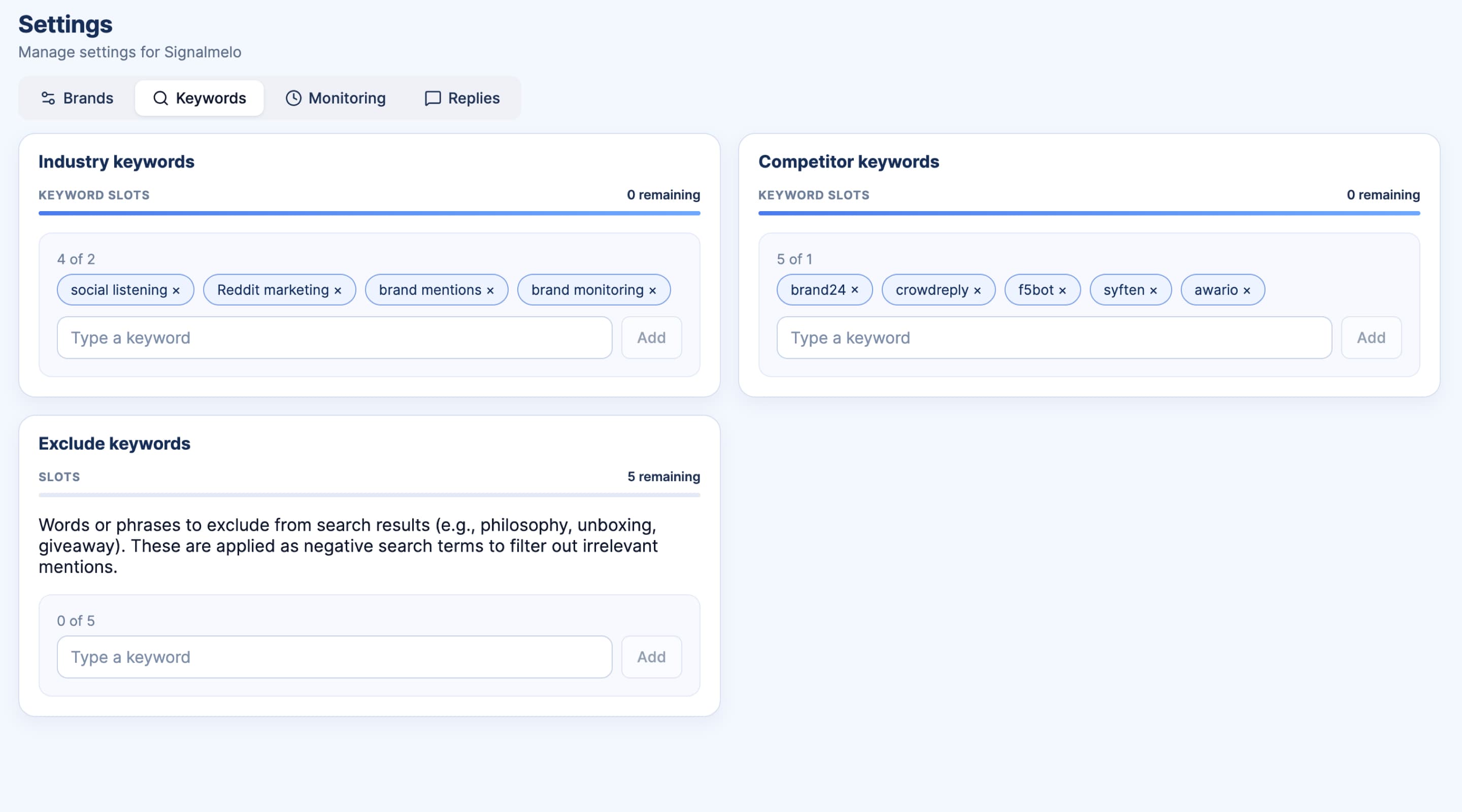
    • Sign up without a credit card and add a project
    • Enter the same brand, competitor, and launch keywords
    • Run a Discussions analysis focused on X
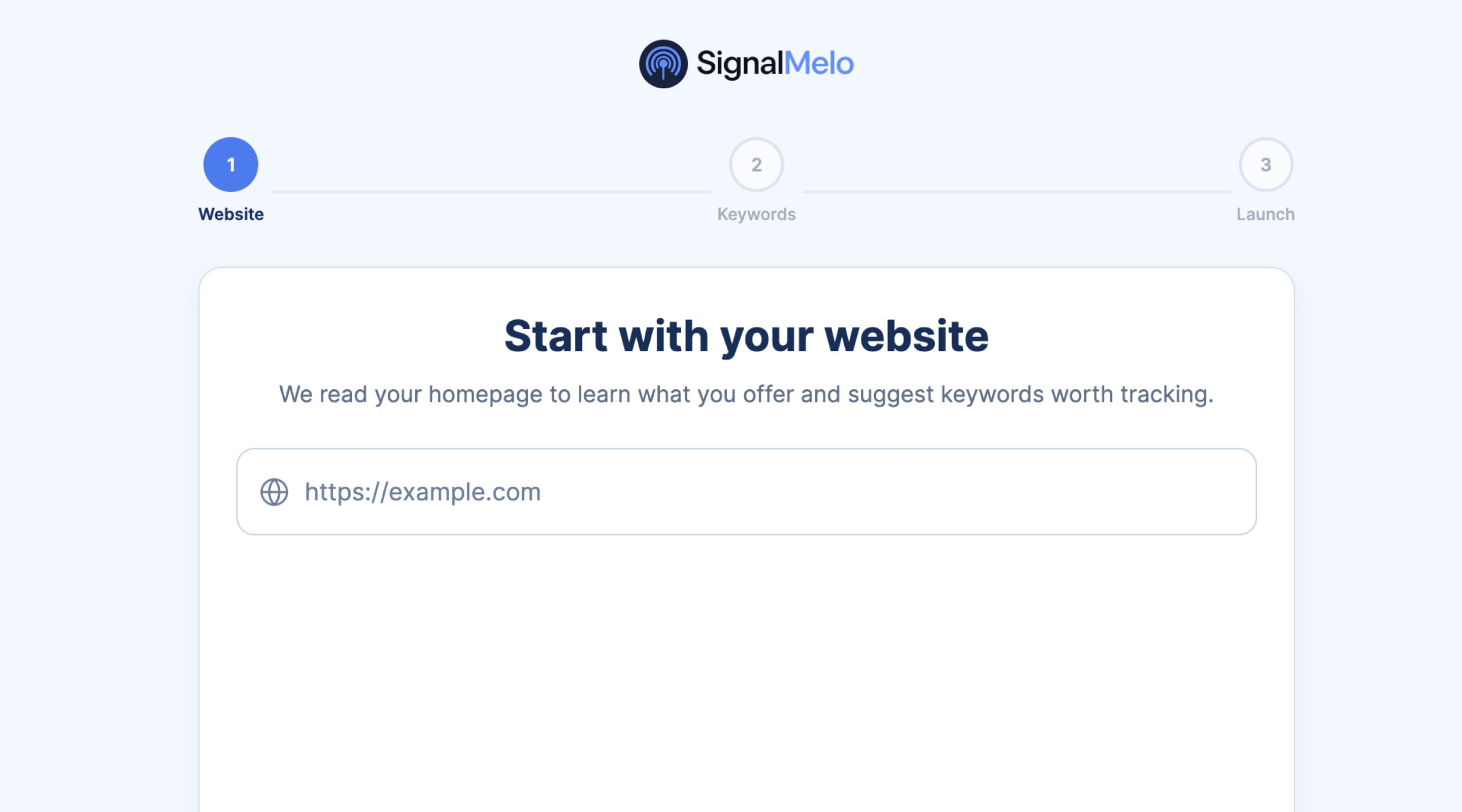
    SignalMelo project setup screenshot
  3. Compare thread quality side by side

    Review outputs on the same keyword set during a live week.
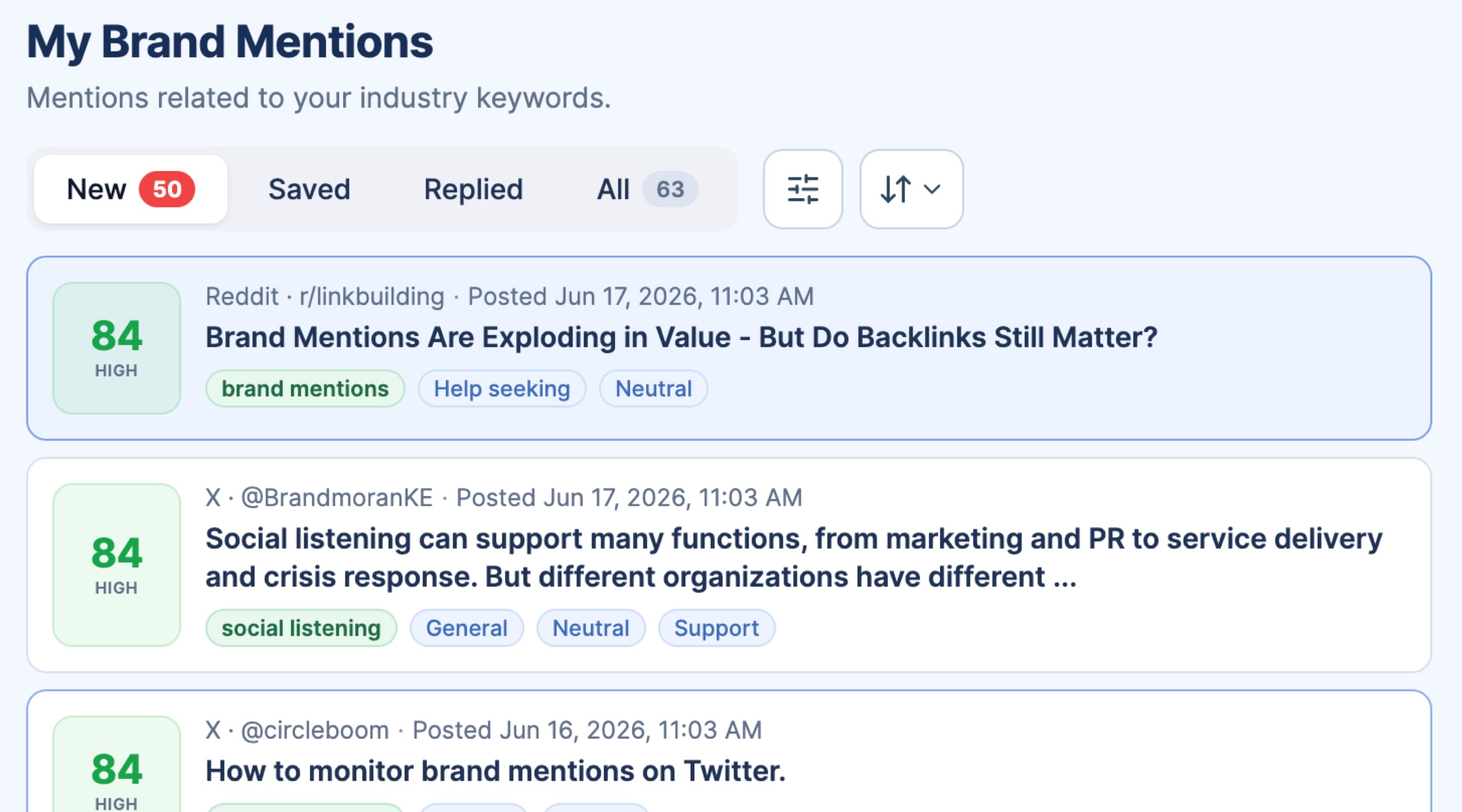
    • Check which high-intent threads each approach surfaces
    • Open source links and verify tone before acting
    • Note whether you get ranked opportunities or raw alert volume
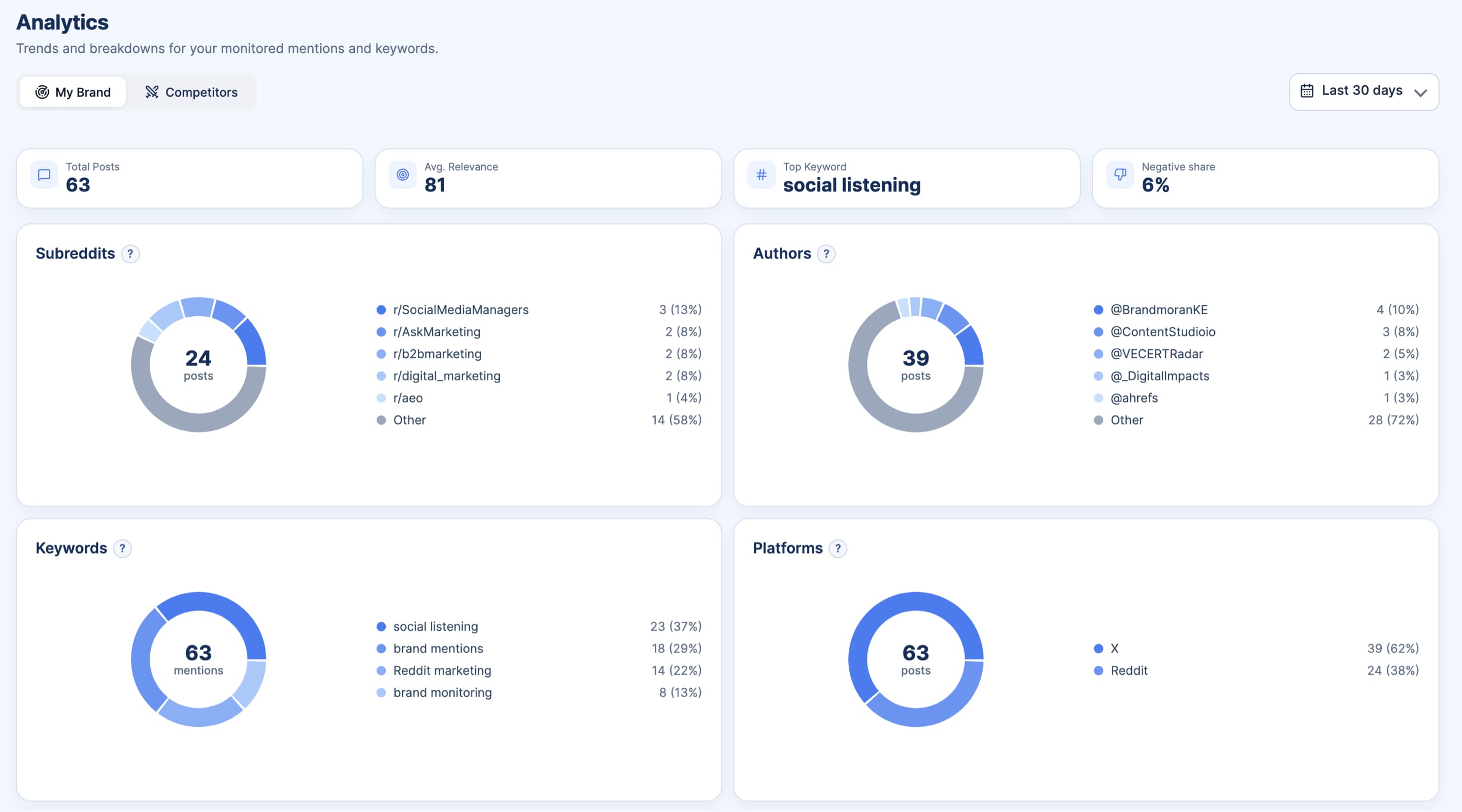
    SignalMelo project report screenshot
  4. Fold into your response rhythm

    Move reply planning into one queue when the workflow fits.

    • Assign owners from Reply Opportunities during daily or weekly reviews
    • Use draft assistance to shorten handoff time on fast threads
    • Upgrade only when you need more credits or volume

See how SignalMelo supports Reddit, Threads, LinkedIn, YouTube, and other channels with the same execution workflow.

Frequently asked questions

Is SignalMelo a twitter marketing tool or a replacement for a twitter marketing agency?

SignalMelo is a product workflow for internal teams, not an agency replacement. It helps you detect, prioritize, and execute on X opportunities with source-backed context.

How is this different from simple twitter keyword alerts?

Keyword alerts stop at notification. SignalMelo adds prioritization, thread-level context checks, and draft assistance so teams can move from alerts to accountable action.

How does this compare with manual twitter search or advanced search?

Manual search is useful but slow to operate at scale. SignalMelo keeps a structured loop of signals, opportunities, and source data so weekly execution is more consistent.

How does Reply Opportunities help twitter lead generation?

It surfaces high-intent tweet threads, preserves original context, and prepares editable drafts so teams can engage quickly while intent is still fresh.

What methodology is used for insights on this page?

We summarize repeated themes, rank likely opportunities, and link each insight to source tweets before actions are finalized.

Can this fit our existing Twitter workflow?

Yes. Teams can keep their existing process and use SignalMelo for stronger prioritization, faster draft preparation, and clearer source validation before posting.

Ready to run Twitter marketing with real-time signal control and faster execution?

Free credits. No credit card.